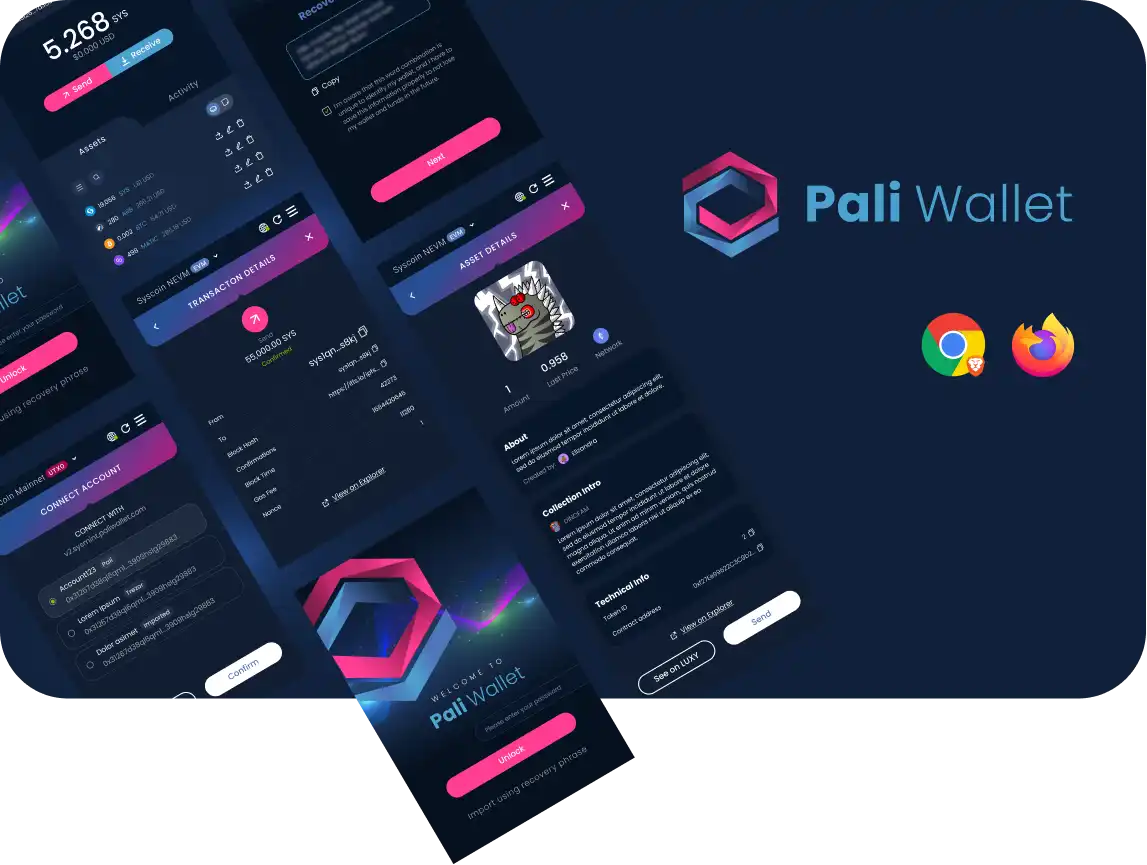
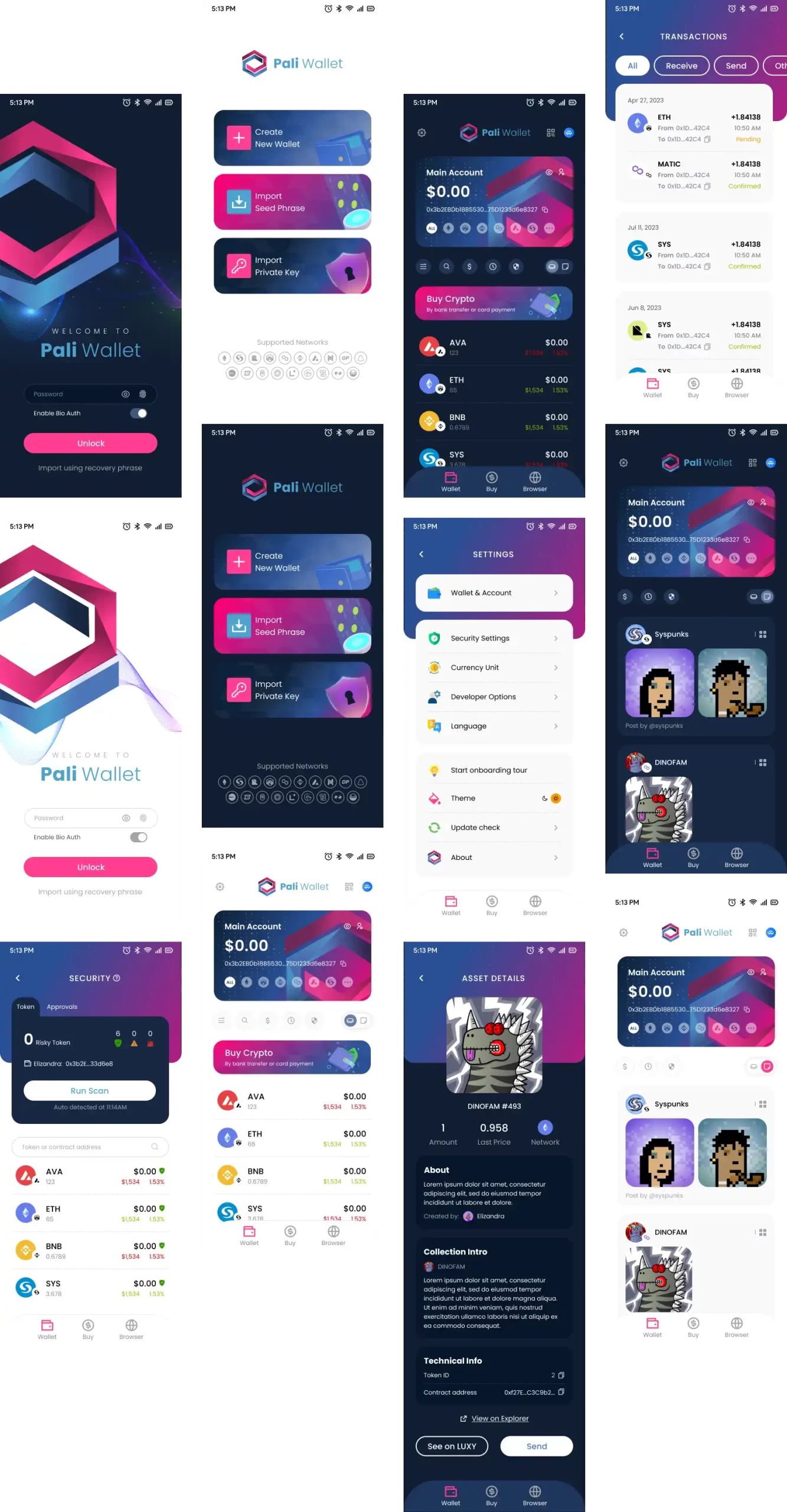
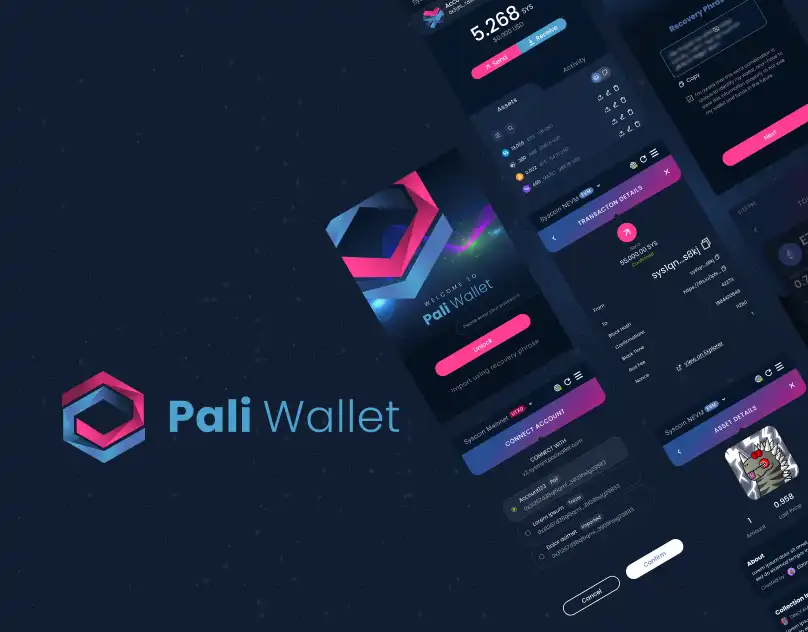
Pali Wallet is the first smart browser extension wallet that supports both UTXO and EVM blockchains. The Pali Wallet project started with the redesign of the Browser Extension Wallet, followed by the addition of an App, and finally, we created a website using Tailwind.
DOWNLOADS
22K+
WEEKLY ACTIVE USERS
11K
THE PROBLEM
RECOVERY PHRASE - Extension Wallet
Reading the bug reports and the users’ questions on Discord, some important points were noticed:
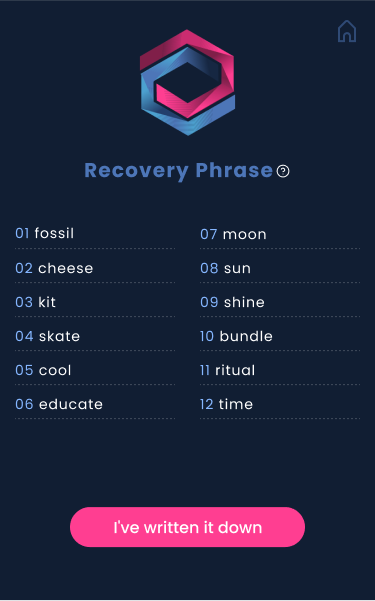
Users did not give sufficient importance to the recovery phrase. Even though there was a number indicating the order of the words, people wrote them down incorrectly because they tended to follow the reading order and did not realize that the words were separated by columns.
Since the button to move to the next step was always available, many did not even read the instructions on the page and quickly clicked the button just to finish the process, so they did not write down the words and forgot to do so later.
There was a button that took users back to the Home page and reset all the steps of wallet creation, leaving them frustrated by having to redo the steps.
THE SOLUTION
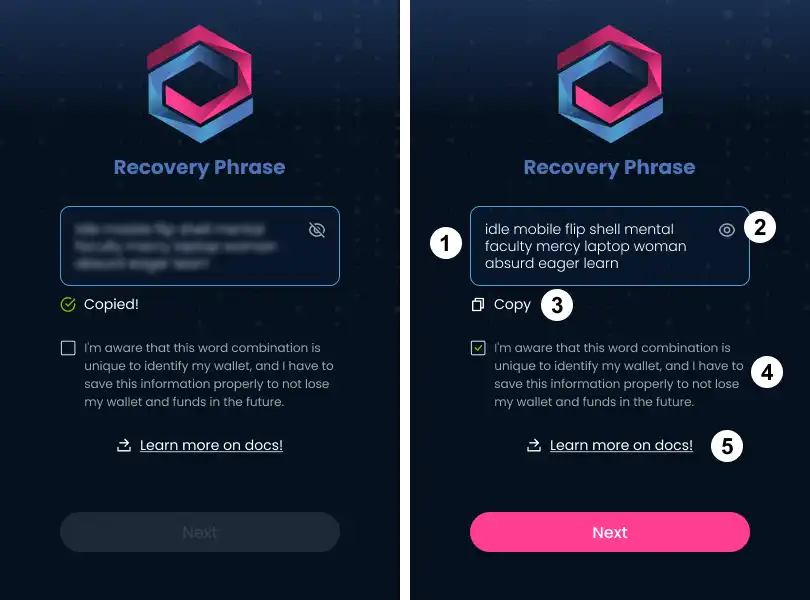
1 – Seed-phrase is shown as a text, in the correct order.
2 – Option to hide the seed phrase.
3 – The copy function guarantees that users save the seed phrase correctly, without order misunderstanding, case sensitivity, or word separation.
4 – The button to the next step starts disabled. Users must read and check to be aware of the seed phrase to follow to the next step.
5 – Link to the documentation page, where we can show a step-by-step process and provide complete information about the seed phrase.
THE PROBLEM
BROWSER - App Wallet
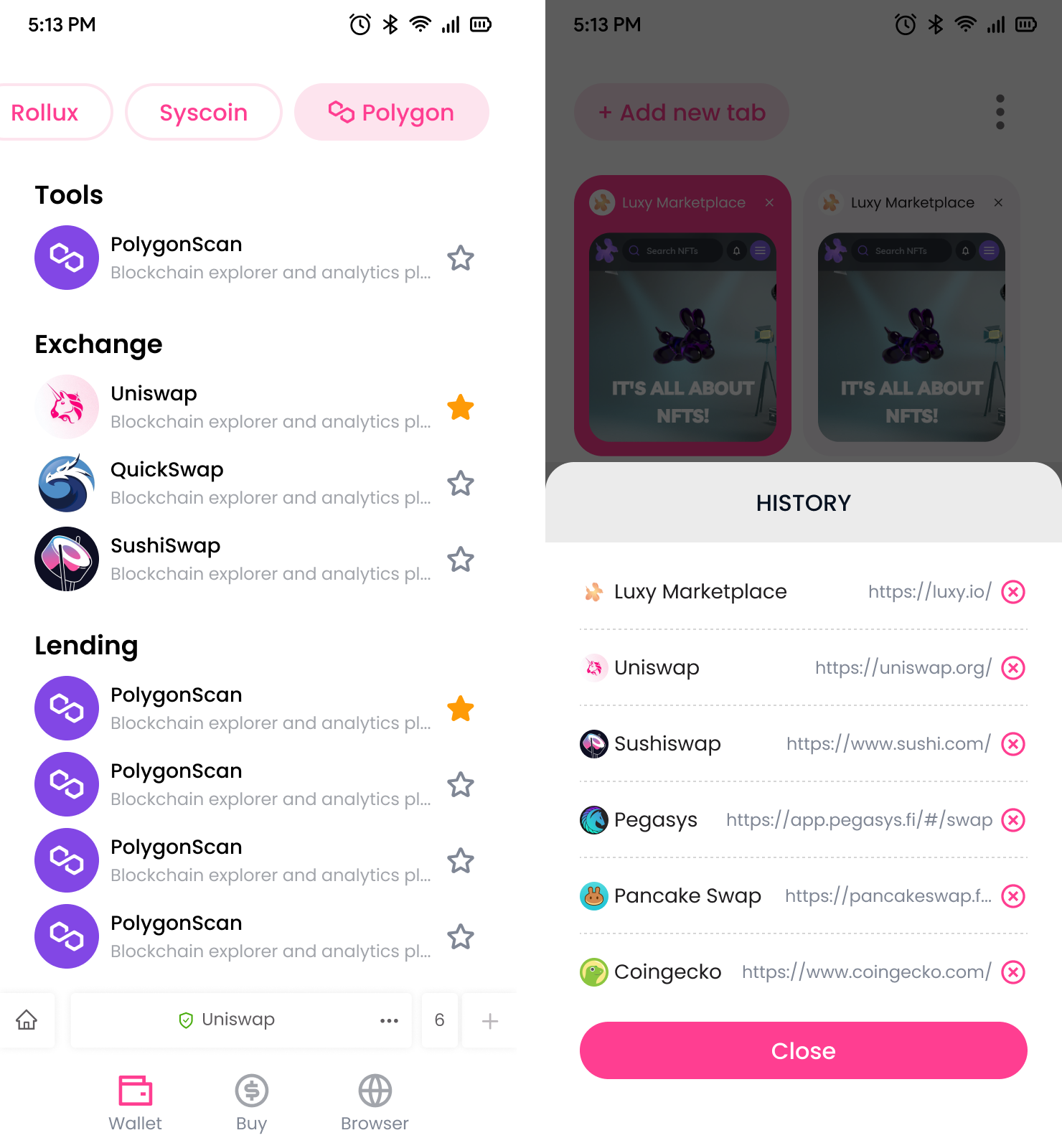
The browser had an inconsistent design and was duplicating items based on the links users clicked.
It also featured lateral navigation, where users had to slide their finger over the search bar to access the next tab. However, there was no explanation for this action, and users couldn’t see how many tabs were open or view their navigation history.
THE SOLUTION
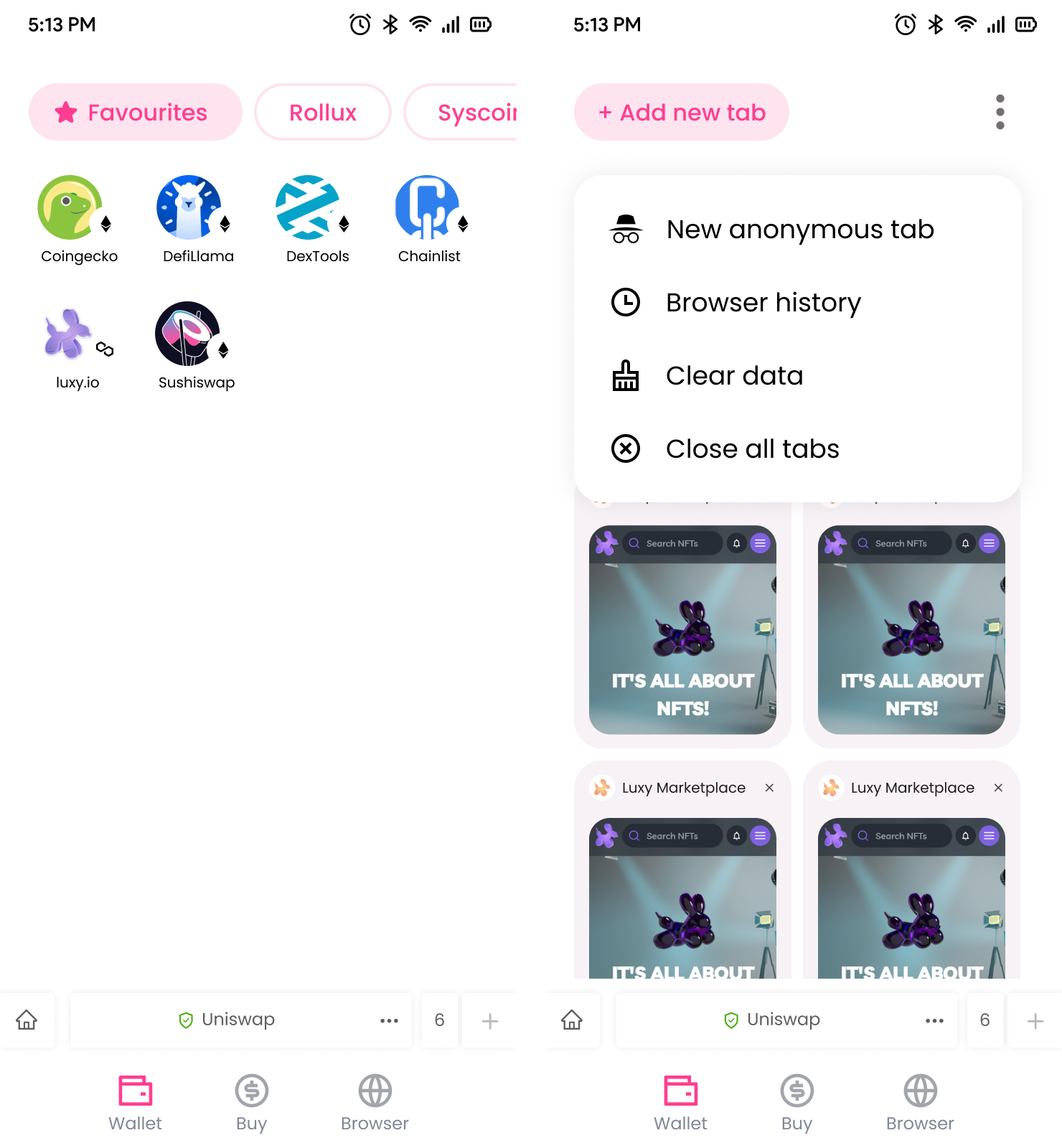
The buttons don’t change according to user actions.
The icon to the homepage is fixed.
The number of tabs open is shown, and the user can click to see all the tab thumbs.
This layout is very similar to the Chrome browser. Replicating some patterns turns the learning curve smaller and brings a comfortable experience.
APP SCREENS
Client
This is a Syslabs product in partnership with Pollum.